Create a DAO
Creating a DAO will take only 3 minutes.
In XDAO, creating a DAO means deploying a smart contract that is jointly managed by its members. Management is carried out through Governance Tokens (GT): they have no price, but it is exactly these tokens that grant voting rights, and their quantity determines each member's voting power.
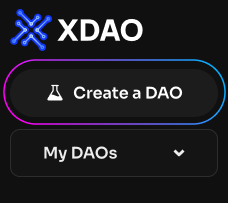
To create a DAO, click the "Create a DAO" button in the sidebar menu.
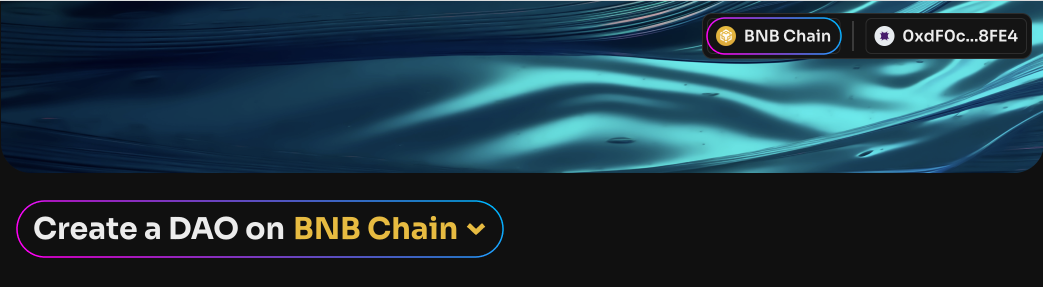
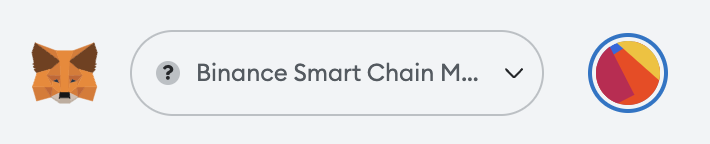
Make sure you are connected to the correct blockchain, and that your personal wallet is connected to the same network.
Enter the name of the DAO and its token symbol — this is essentially the governance token, GT.
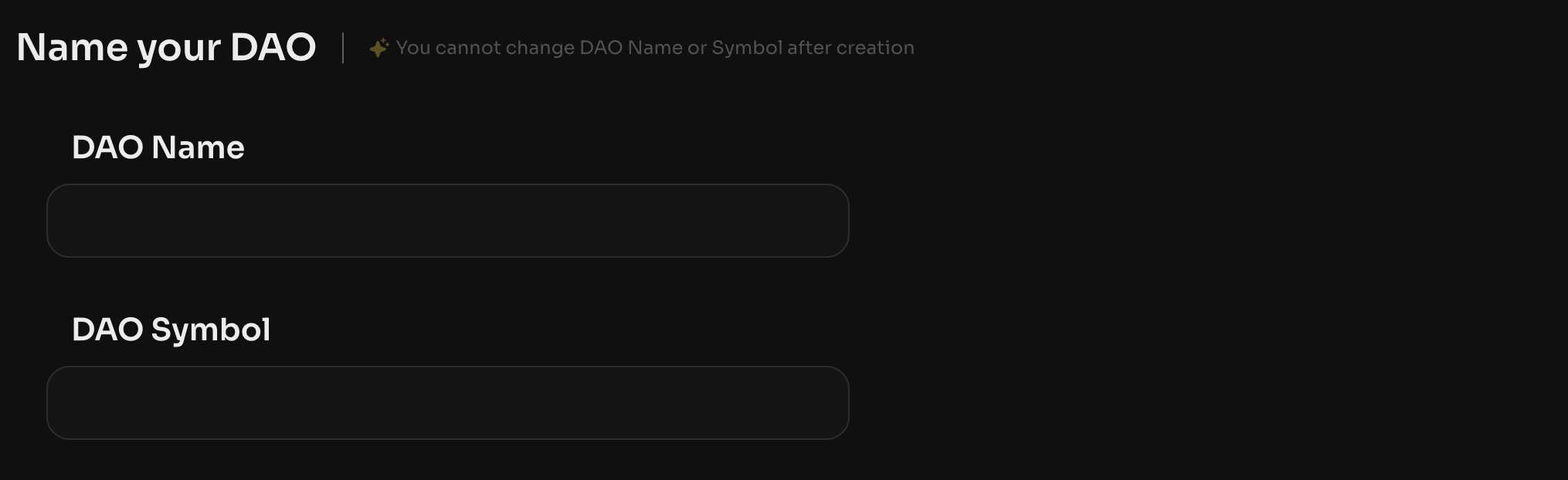
After the DAO is created, you will not be able to change the name or token symbol: this data is written to the blockchain at creation and cannot be changed afterward.
Choose the mode in which you will add partner addresses:
-
Multisig — all DAO members hold 1 GT and have equal voting power. If a DAO has 5 members, each has 20% of the votes;
-
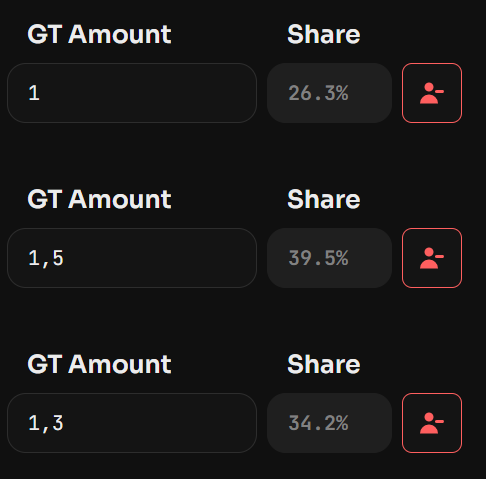
Custom — DAO members can hold different amounts of GT, with voting power proportional to their holdings.

After adding all partners, you will be able to check the voting power of each member.
Set up the quorum — the number of votes required for a decision to be executed.
In Multisig mode, you choose how many signatures are enough to activate a vote. For example, DAO members decide that 3 out of 5 votes are enough for consensus. Then the DAO quorum will be 60% and will remain 60% even if the number of members changes. The quorum can be changed at any time after the DAO is created.
In Custom mode, each member's voting power can differ depending on their role in the DAO — take this into account when choosing the quorum value. For example, in a DAO of 2 members, the first holds 2 GT and the second holds 1 GT, and the quorum is set at 52%. This means the first member can perform all actions on behalf of the DAO alone: the quorum is met immediately, and the second member's vote is not required.

Click "Create a DAO" and submit the transaction to the blockchain. If the transaction succeeds, a green push notification will appear in the top-right corner, and you will be automatically taken to the DAO page. The list of your DAOs is displayed in the top-left corner, under My DAOs.
If a red push notification appears in the top-right corner while creating the DAO, try again.
Creating a DAO will require funds for gas to register it on the blockchain. The exact cost of creation cannot be calculated in advance, so you can fill in the fields with any data, check the required amount, and then reject the transaction.