Connect
With Connect, you can connect on behalf of the DAO to any DeFi protocol that supports WalletConnect.
The connection takes place on two sides: you perform some steps on the third-party Dapp's side, and some on xdao.app. This is noted for each step below.
To connect to a third-party Dapp:
On xdao.app. Click Connect on the Manage page of your DAO.
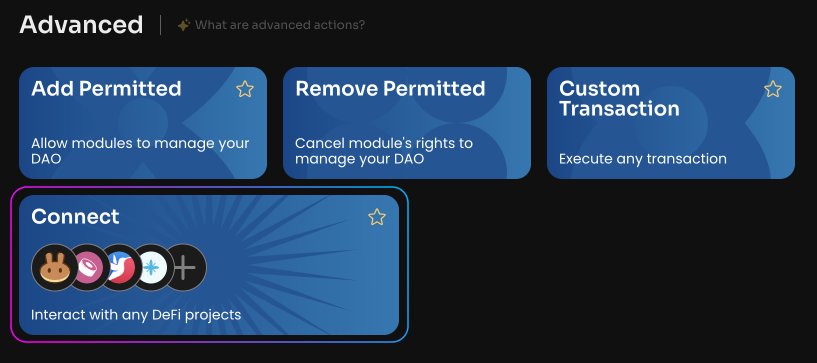
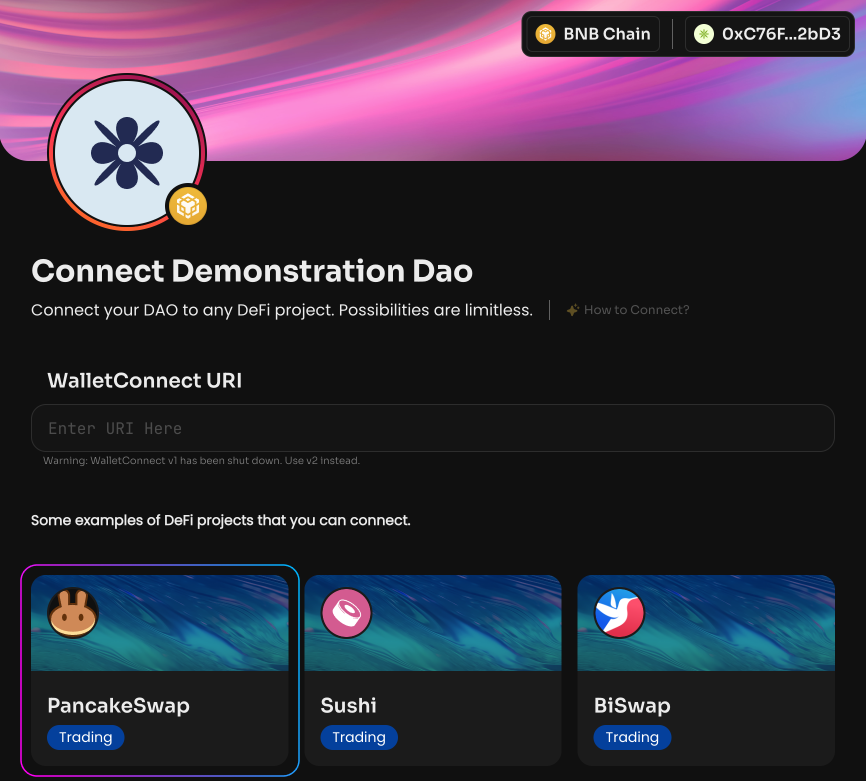
When you open Connect, you'll see a list of popular DeFi projects you can connect your DAO to. Your options for connecting the DAO are not limited to this list. You can open any Dapp that supports WalletConnect yourself and connect to it.
On the third-party Dapp's side. Go to the website of the Dapp project you need.
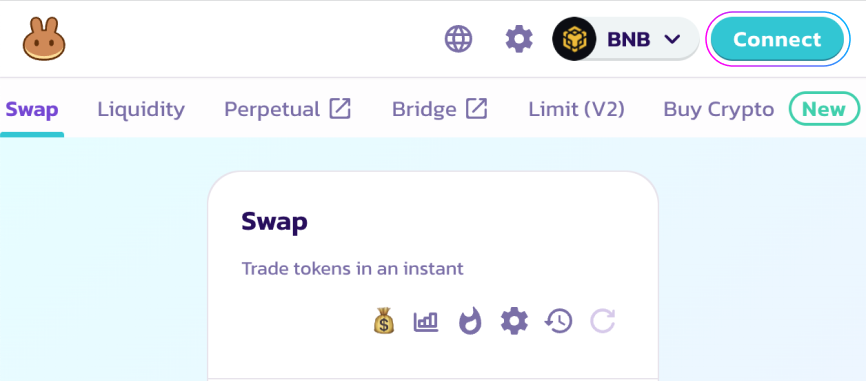
On the third-party Dapp's side. Click Connect wallet and select the WalletConnect button.
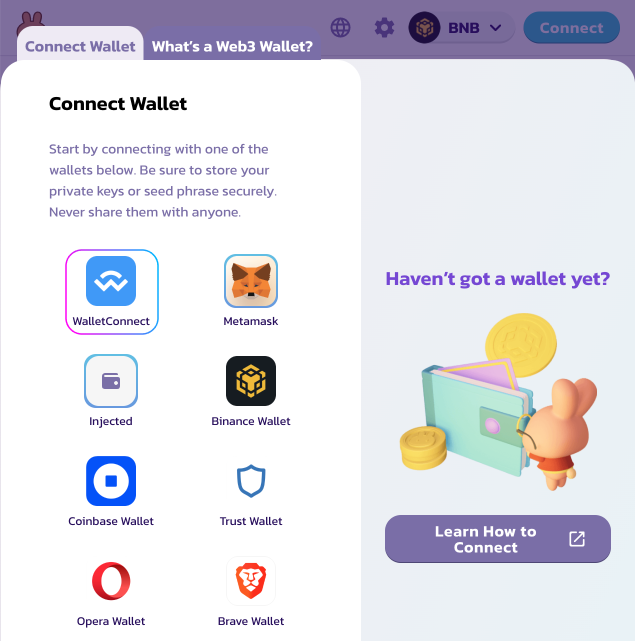
On the third-party Dapp's side. Below the QR code, copy the URI by clicking Copy to clipboard.
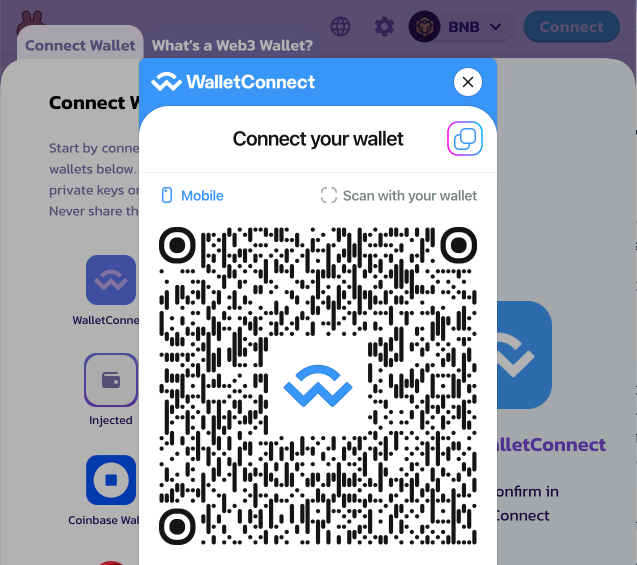
On xdao.app. Return to xdao.app and paste the URI into the designated field.
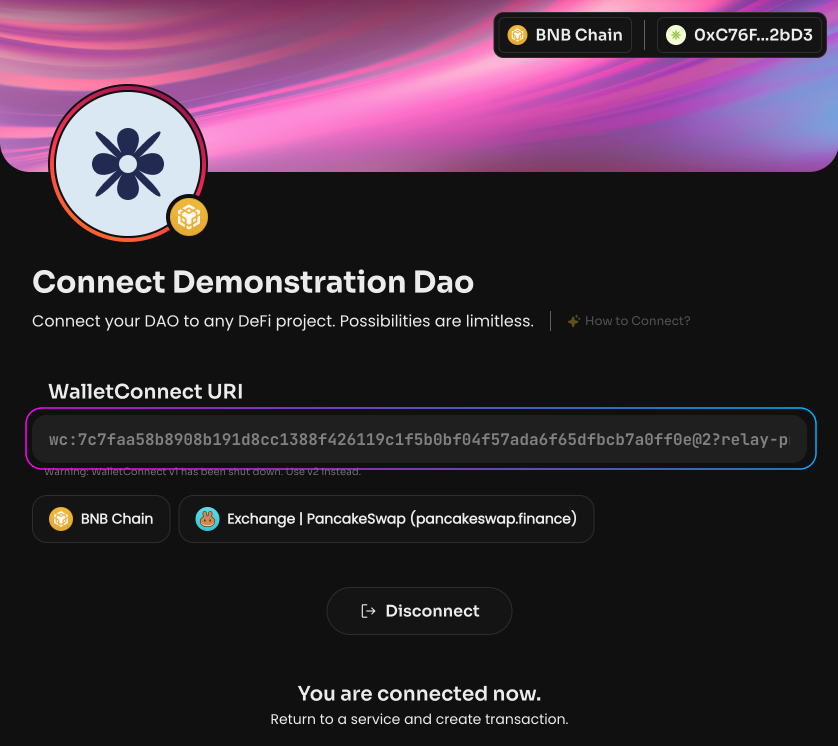
On xdao.app. If you see the message "You are connected now", you have successfully connected to the Dapp. You can also verify that the address connected to the Dapp is the DAO's address.
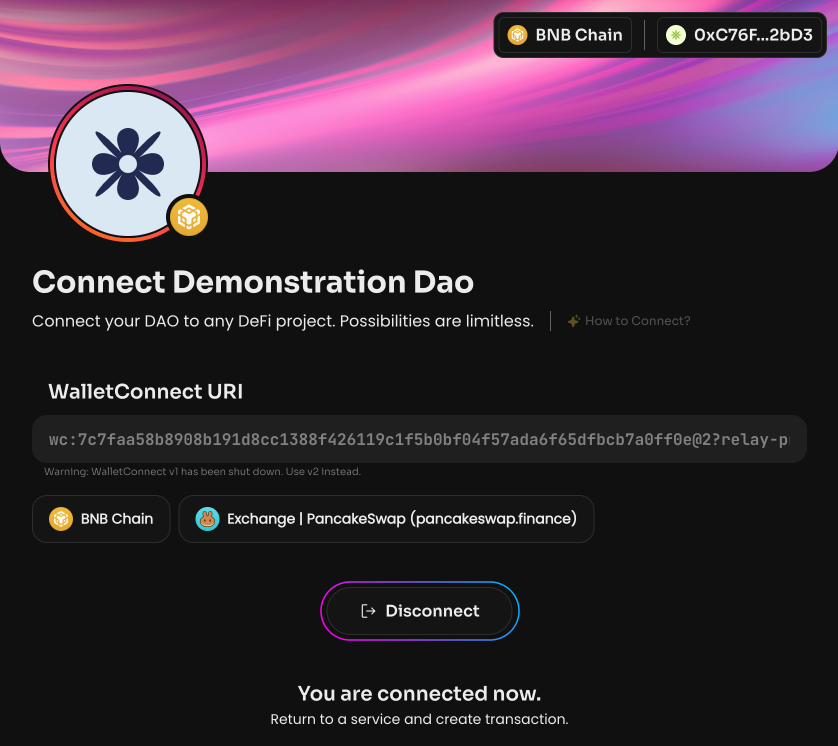
On xdao.app. When you're done working with the Dapp, click Disconnect.
The DAO can interact with any Dapp that supports WalletConnect, except those that require a signature. The DAO is a smart contract, meaning it has no private key, so it cannot produce a signature. As a result, interaction with certain Dapps is currently not possible.