Change Avatar
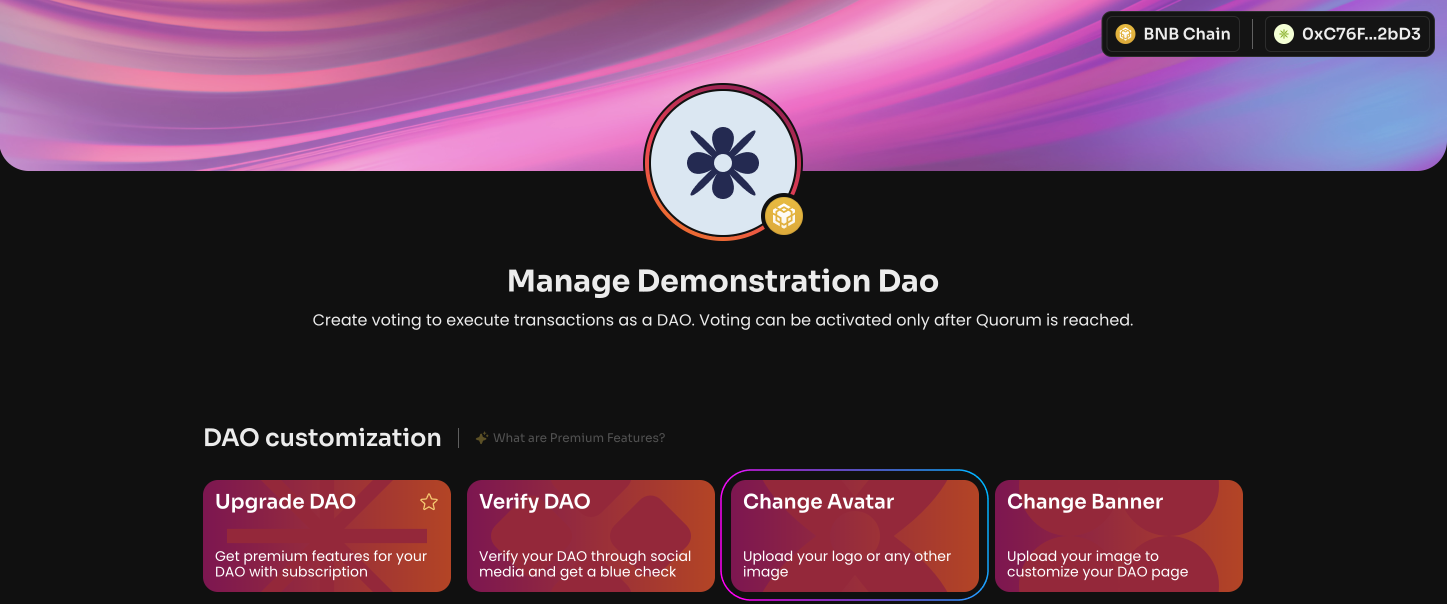
To upload an avatar and make your DAO more vivid and recognizable:
Click Change Avatar on the Manage page in your DAO.
Upload the avatar image for your DAO.
Click Upload and sign the message in your wallet.
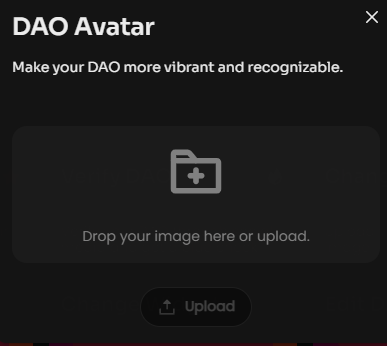
We recommend using an image with a 1:1 aspect ratio (512 x 512). Maximum size 2 MB.