Remove Member
Any member can leave the DAO through a vote, and can also create a vote to exclude another member from the DAO.
For this, the GT Burning feature must be enabled. If this requirement is met, go to the Remove Member vote on the Manage page in your DAO.
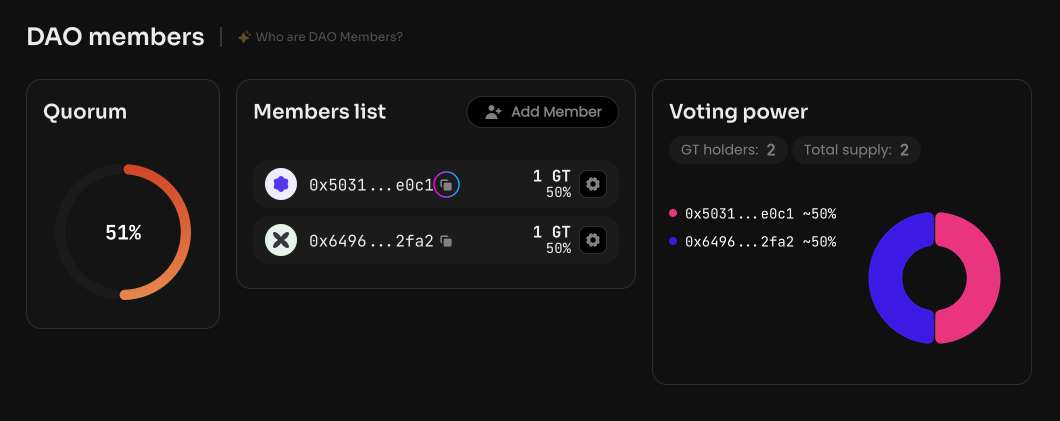
Copy the public address of the member whose GT tokens you want to take away, in the DAO Members section on the Activity page in your DAO.
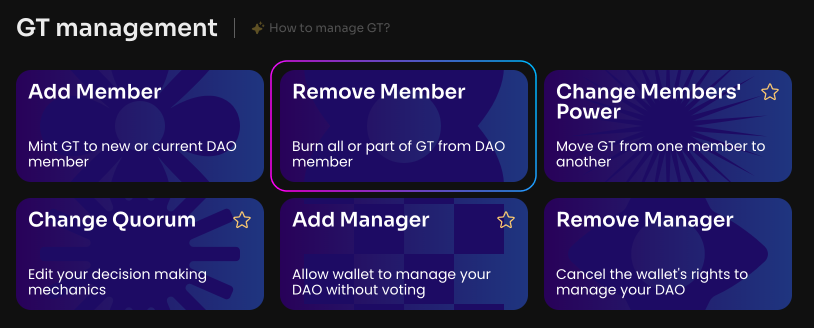
Click Remove Member on the Manage page in your DAO.
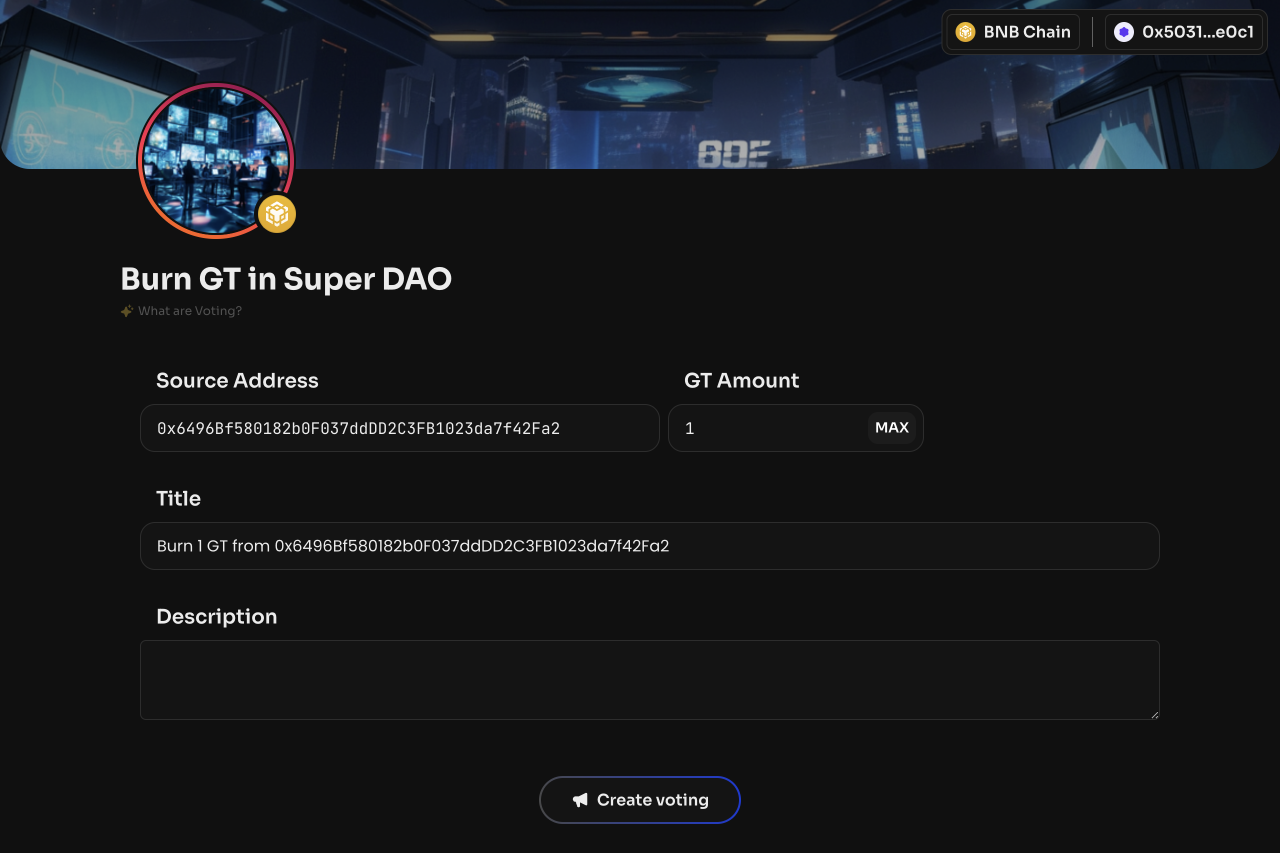
To exclude a member, enter their public address and the amount of GT.
After the vote is created and activated, the specified amount of GT will be burned from the DAO member, and they will be removed from the DAO Members section on the Activity page in your DAO.
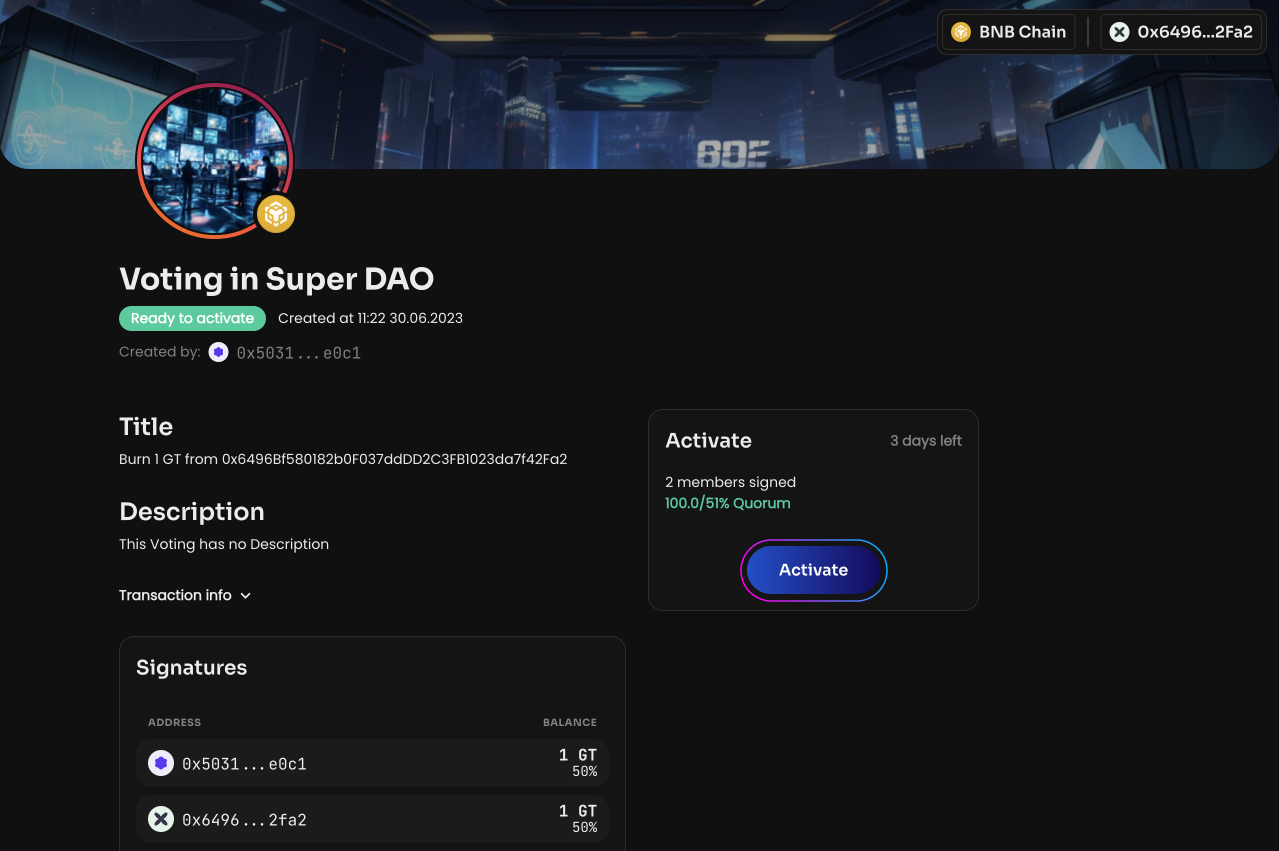
You can burn GT partially (to reduce the voting power of a specific person or your own) or completely, which effectively means excluding that person (or you) from the DAO.