Approve Token
Approve Token is a vote by which the DAO allows third-party platforms (such as a DEX) to interact with its tokens.
To make an Approve Token:
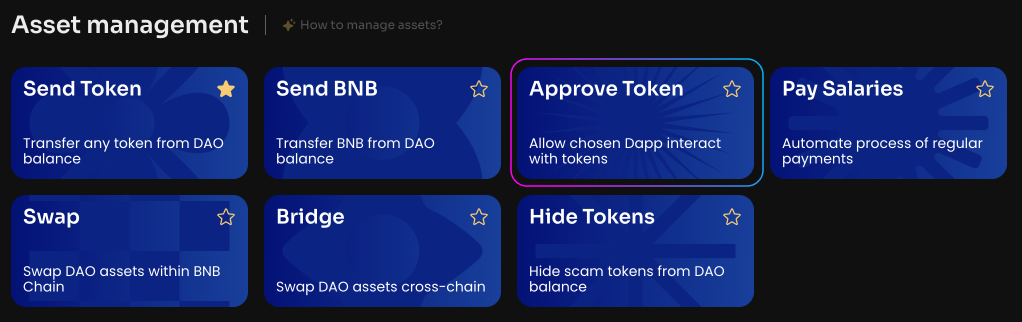
Click Approve Token on the Manage page in your DAO.
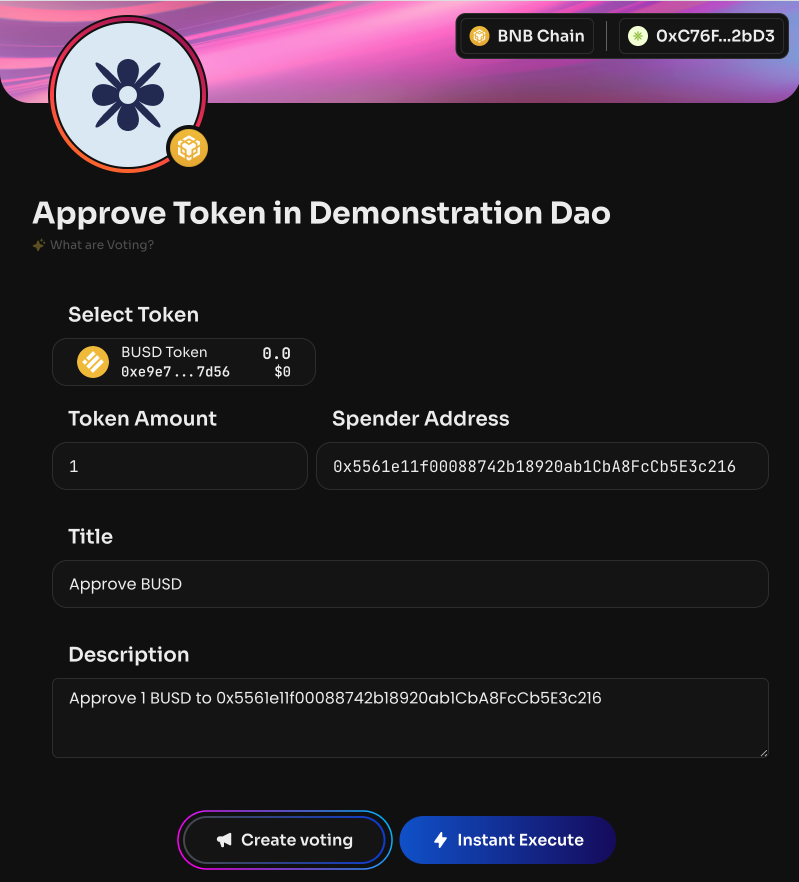
Select a token from the list or specify its smart contract that you want to allow to interact with the DAO balance.
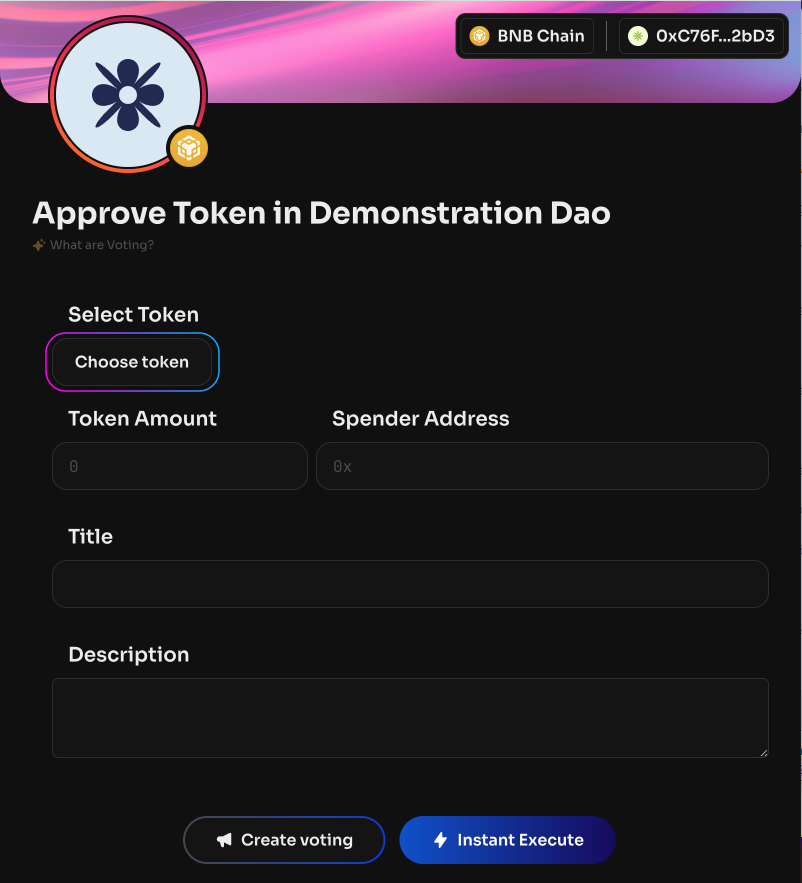
Specify the number of tokens. This is exactly the number of tokens the third-party smart contract will be able to interact with. If you specify a small number, you can always do Approve again.
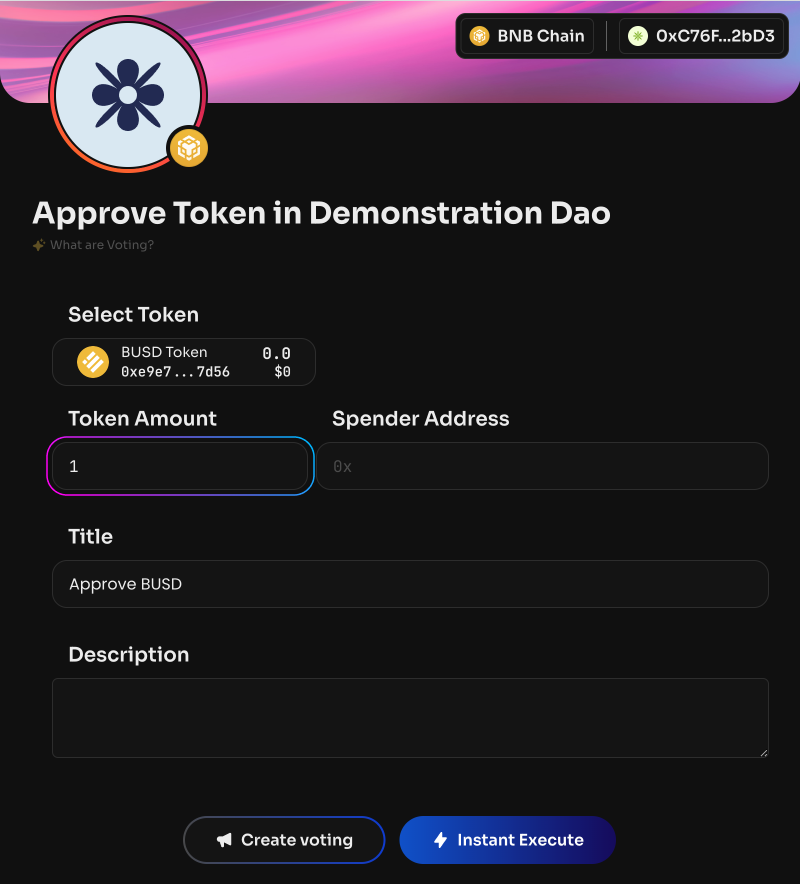
Specify the Spender Address — a third-party smart contract, DEX, etc.
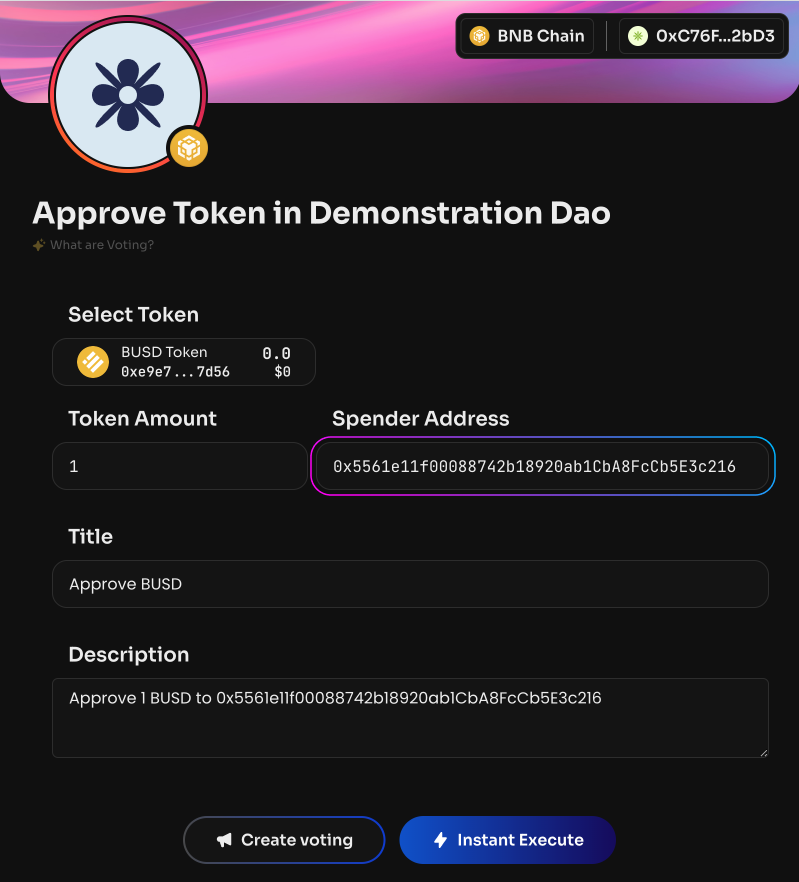
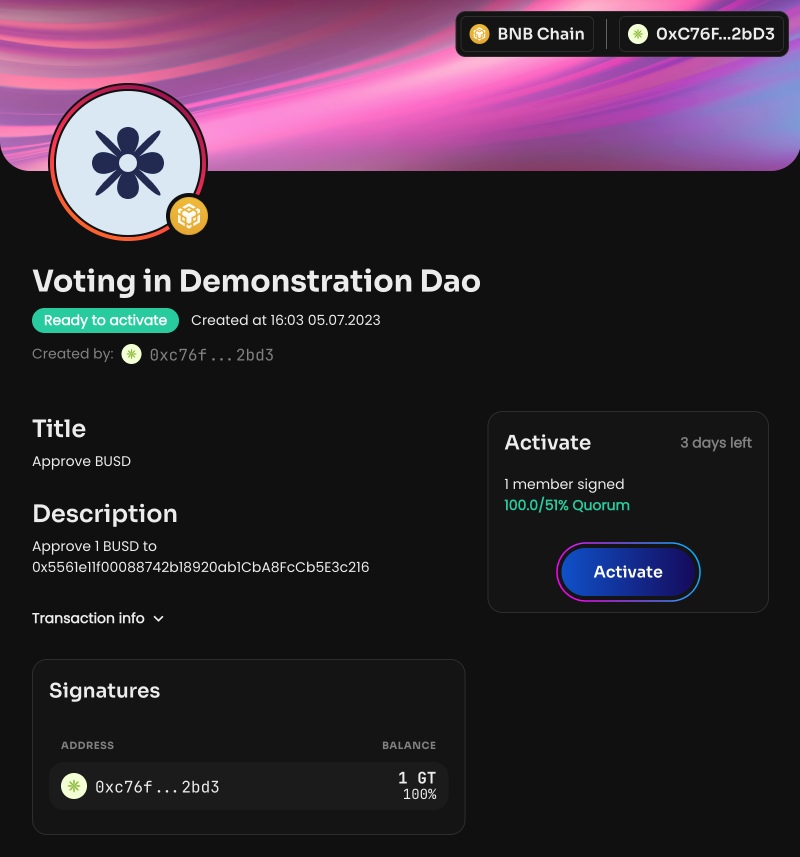
Click Create voting to create a vote. Once the voting is activated, the specified Spender Address will be able to interact with the selected token.