Pay Salaries
To pay salaries to employees or make other recurring payments:
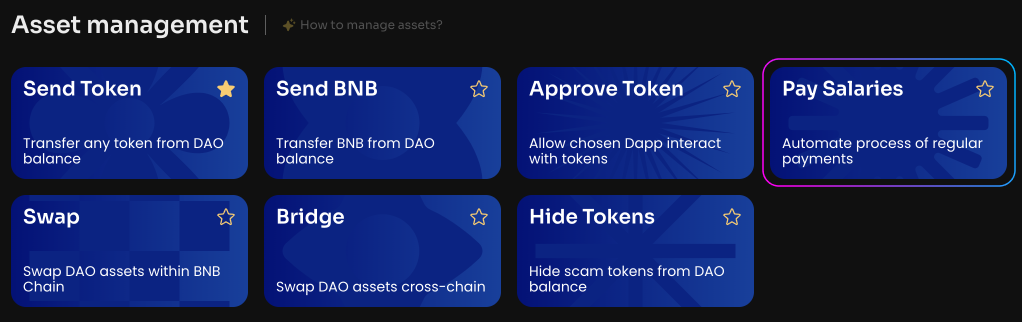
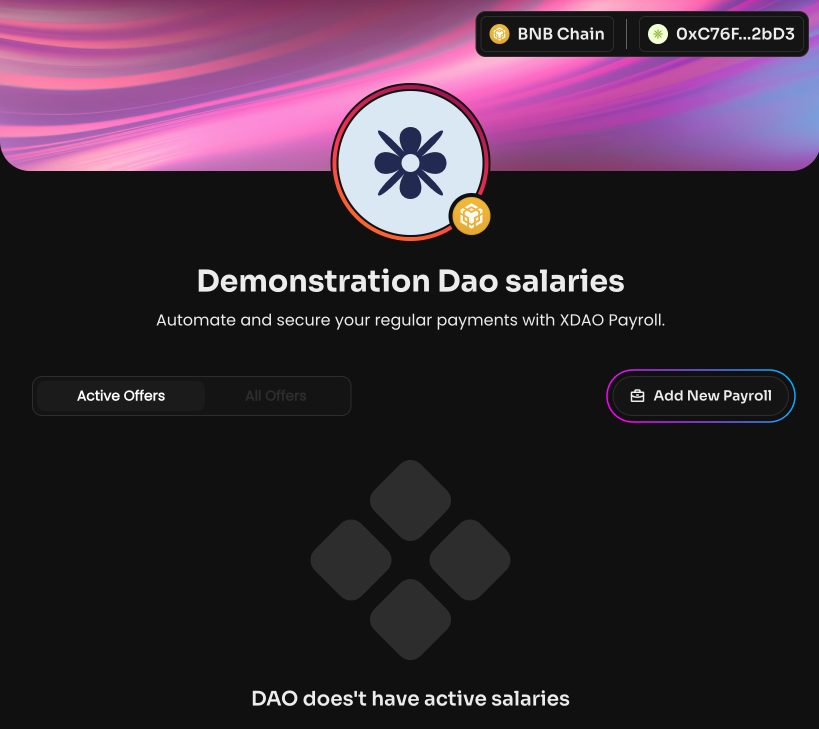
Click Pay Salaries on the Manage page in your DAO, then Add New Payroll.
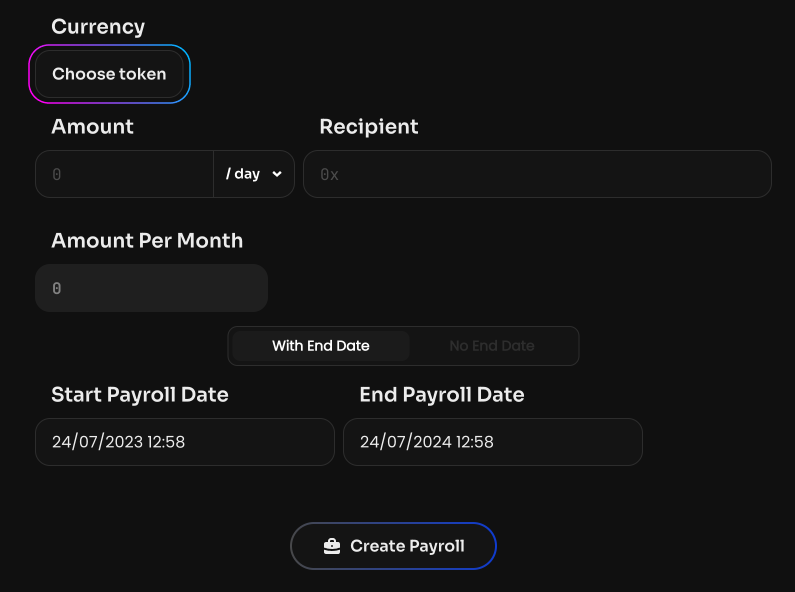
Select a token from the list or specify its smart contract — a token that is on the DAO balance and in which the payment is made.
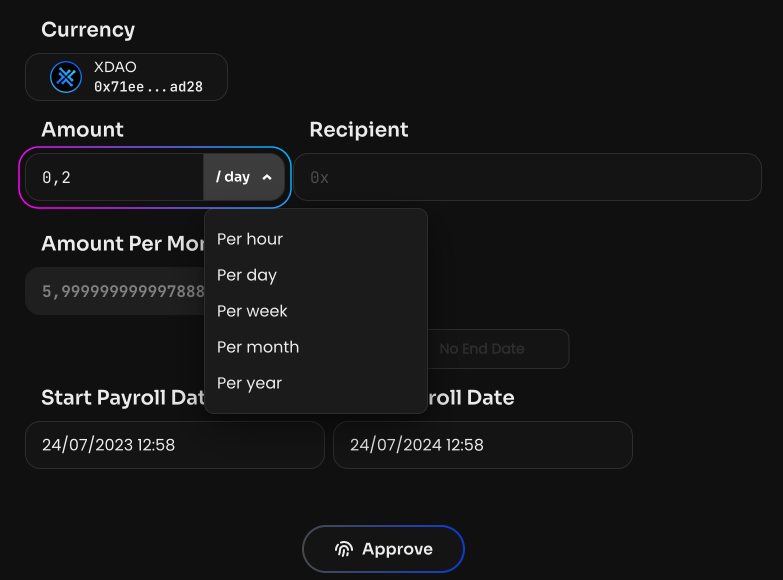
Specify the payment amount (Amount) and the accrual period: hour, day, week, month, or year. The Amount Per Month value is calculated automatically.
Specify the recipient's public address. This can be the address of a software, cold, or exchange wallet, as well as a DAO address.
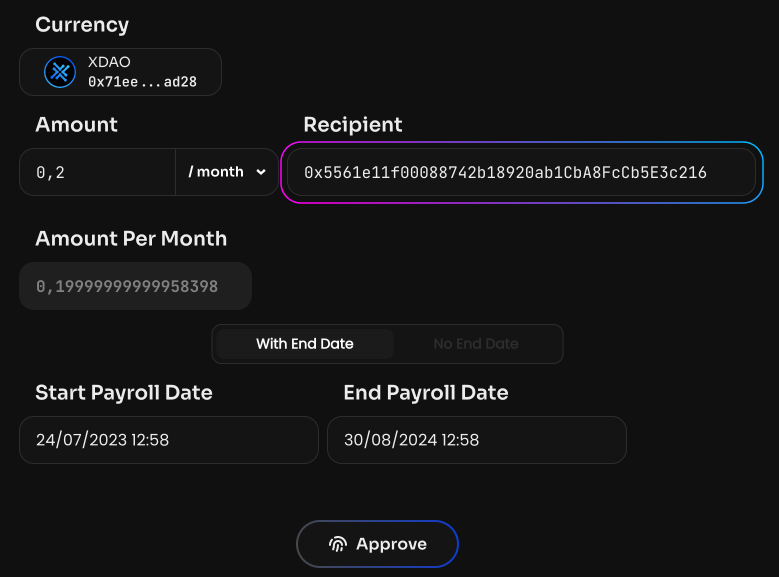
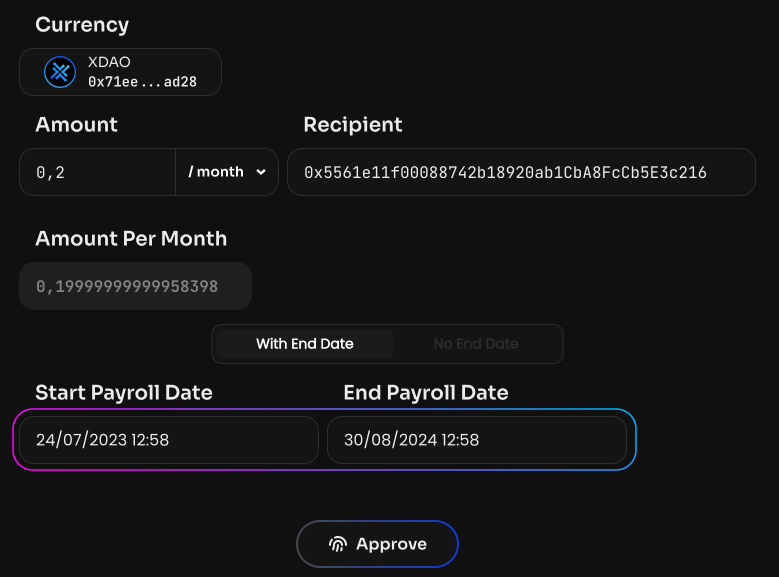
Specify the payroll start date (Start Payroll Date) and end date (End Payroll Date). The date can be any date, including one in the past — for example, if an employee has successfully completed their probation period and needs to be paid retroactively. You can also choose the option with no end date (No End Date) — in that case, the payment can be disabled on the Pay Salaries page.
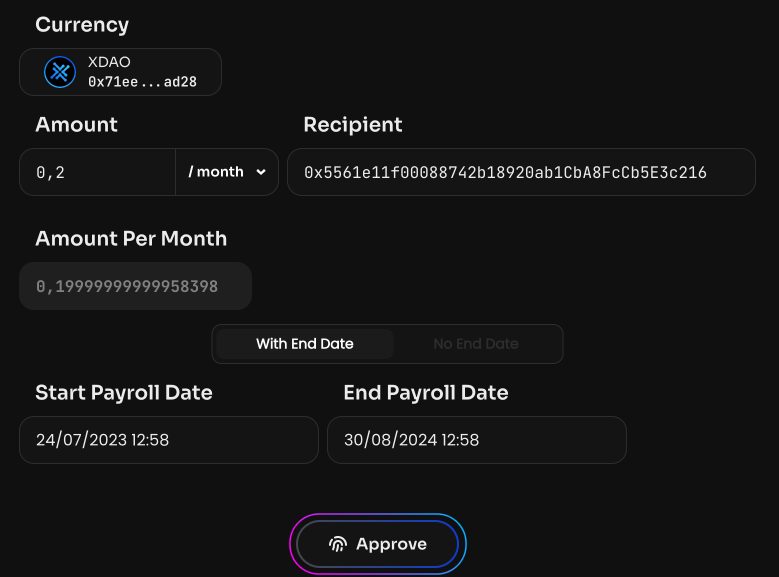
Click Approve to allow the Payroll smart contract to interact with the selected token on the DAO.
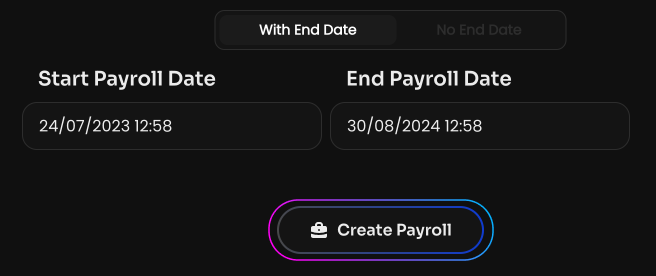
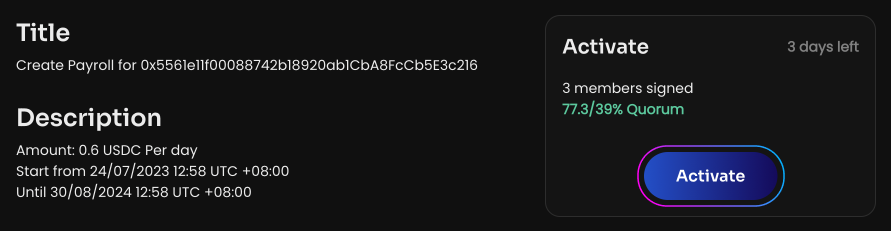
Click Create Payroll to create a vote on setting up the salary. Once the vote is activated, the employee will start receiving regular payments.
If an employee's salary changes, you must Claim the accrued funds before changing the amount.
The salary accrual algorithm: the amount of funds paid per second, multiplied by the number of seconds since the last Claim. This means the salary can be claimed at any time and an unlimited number of times.
Any user can perform the Claim. This is especially useful if the recipient has no funds for gas, or if an exchange wallet is specified as the recipient: in that case, a DAO member or any other wallet can Claim on their behalf. Either way, the funds will be sent to the Payroll recipient.